
What can I do in the “Employees” section?
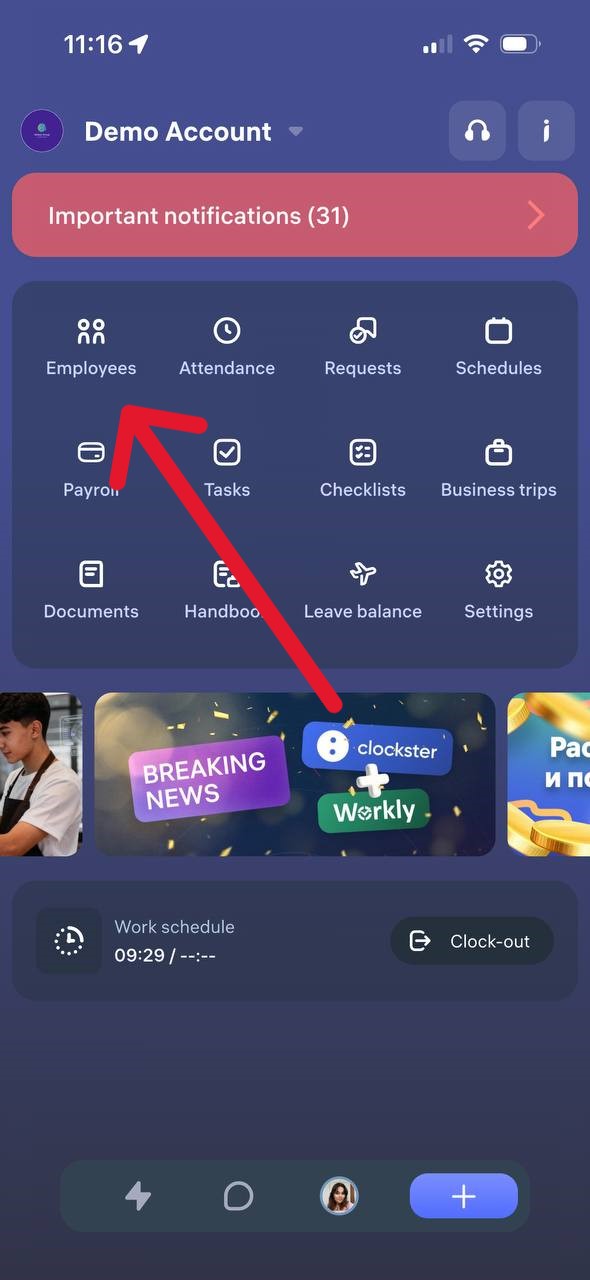
When the “View the list of employees” permission is enabled, the “Employees” section in the Clockster mobile app provides the following features:
View Employees
You can open the list of all active company employees.
The list displays names, positions, and initials.
View Birthdays
A separate tab shows upcoming employee birthdays.
Search and Filter
You can search by an employee’s first or last name and use filters by location.
Employee Profile Card
By tapping on an employee’s name, you can open their profile card, which displays:
phone number (if specified)
gender
employee number
department
position
main and additional locations
This information helps you quickly find the right colleague and access their basic details.
Updated at