
How to Check Your Payslip
Opening the Payslip:
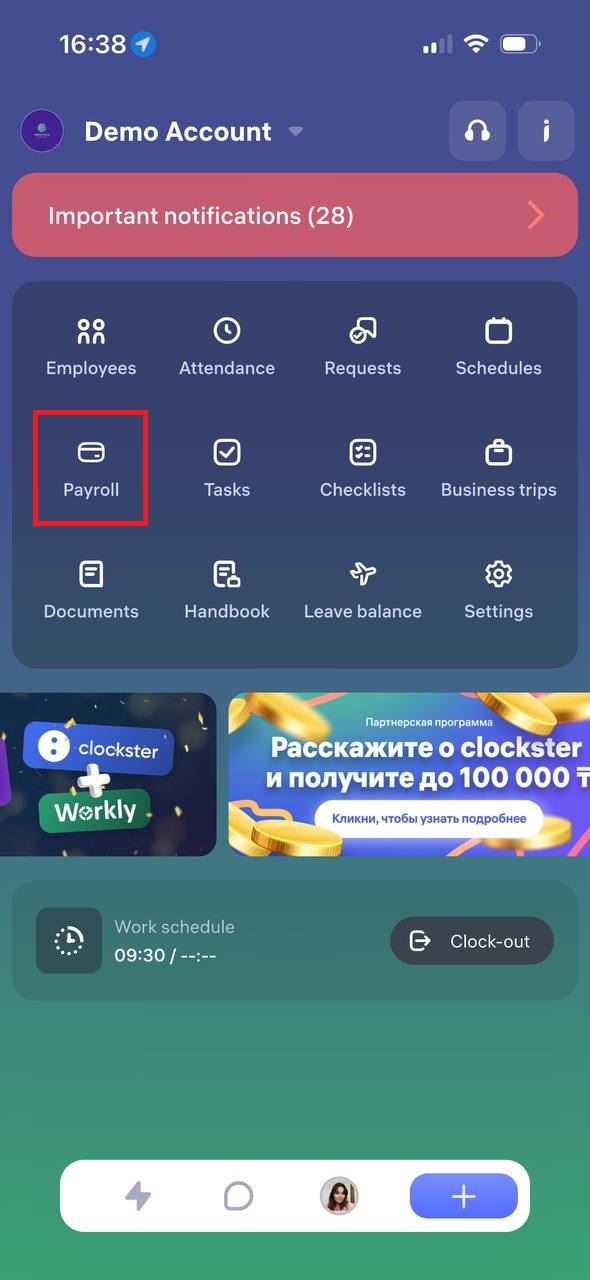
Go to the “Payroll” section in the mobile app.
Viewing Details:
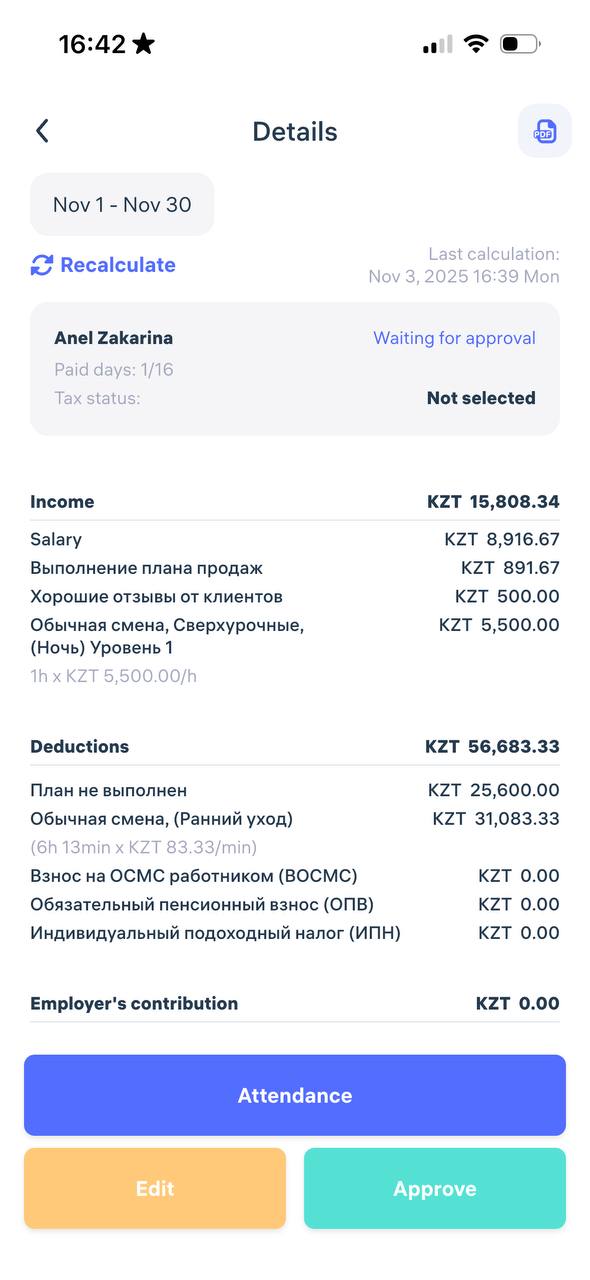
Your payslip displays the following information:
Income: salary, bonuses, additional payments (e.g., sales plan, holidays).
Deductions: fines, taxes, pension, and medical contributions.
Net pay: the final amount you will receive.
Company expenses: the total cost incurred by the employer (visible to employees for transparency).
If your payslip is unavailable or the data seems incorrect, please contact your company’s accountant or HR department.
Updated at Link to this answer